
Children, about 3 to 7
Autistic children and other children with limited speech who are learning what to say to other kids. Any way of answering can count: words, a close try, a sign or gesture, an AAC device, or pointing.
Early access Talkoodle is free while we test it. The prices below are planned, and we're not taking payment yet.
For autistic children and other children with limited speech, about ages 3 to 7
In each short cartoon story, a friend says something and your child answers out loud. You mark how it went. As your child gets it, the help steps back.
Works in your web browser, and offline once you've signed in. No ads.
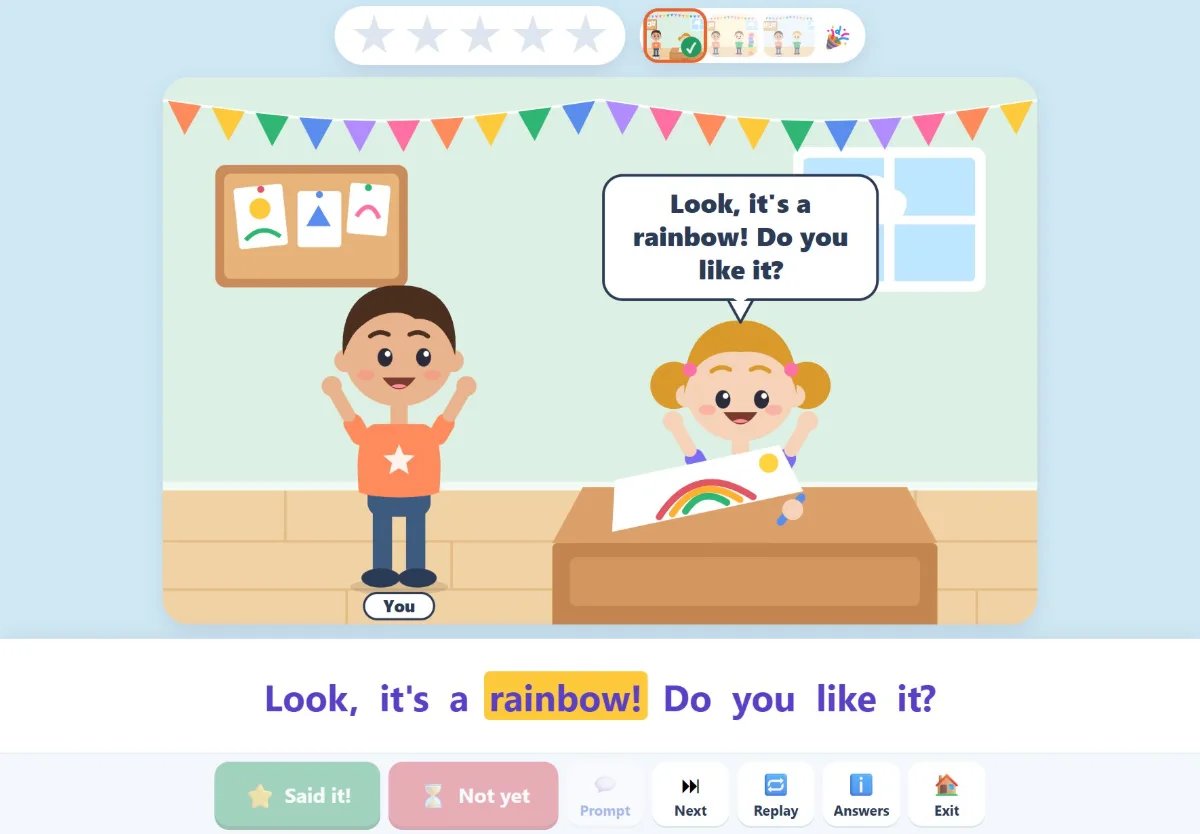
You sit beside your child. The app tells the story, and you're the judge.
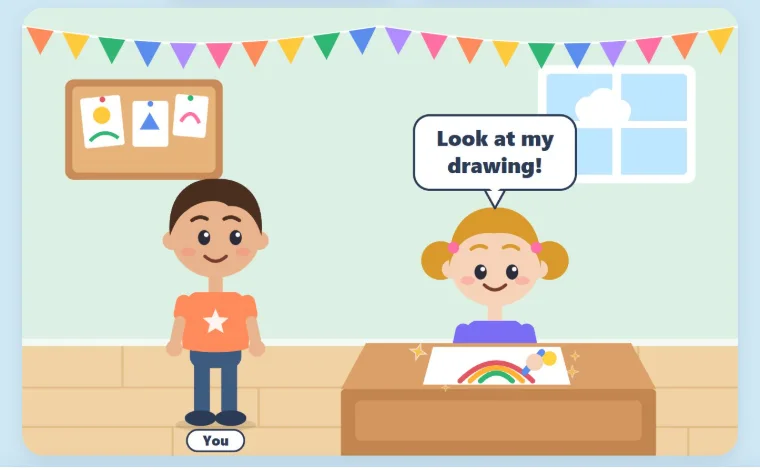
A short scene sets it up: “Lily is drawing a picture.” Then Lily turns to your child: “Look at my drawing!”
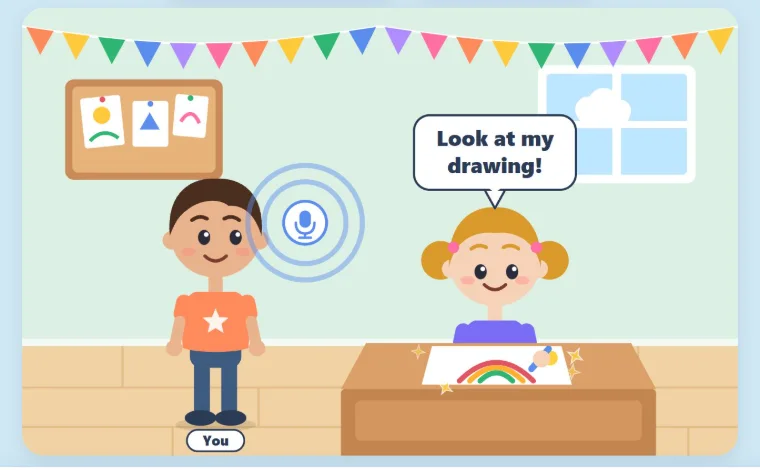
Out loud, or with a sign, a device or pointing. The app gives them up to 10 seconds to start, and you can choose anything from 3 to 10.
Tap Said it! and the friend answers back, then a star goes on the chart. Tap Not yet to move on to the next one. When your child answers on their own a few times in a row, the app gives one step less help.
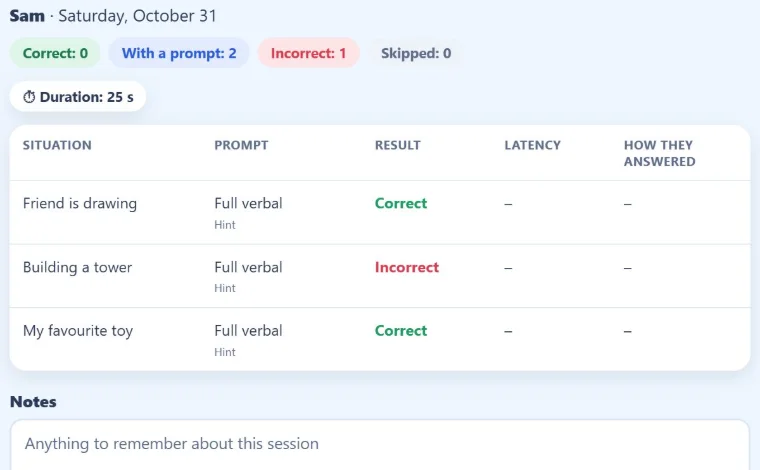
At the end, you get a short summary: each situation, the help it took, the result, and how soon your child started to answer. You can copy it as a note in plain words, for parents, or in SOAP format.
Talkoodle is always used with an adult beside the child.
Autistic children and other children with limited speech who are learning what to say to other kids. Any way of answering can count: words, a close try, a sign or gesture, an AAC device, or pointing.
Practise a few situations at a time, at home. A picture plan shows your child what's coming, and a star chart fills up as they go.
Behaviour analysts and behaviour consultants, speech-language pathologists, teachers and educational assistants. Choose the prompt, the wait time and the order of trials, and copy a SOAP note at the end.
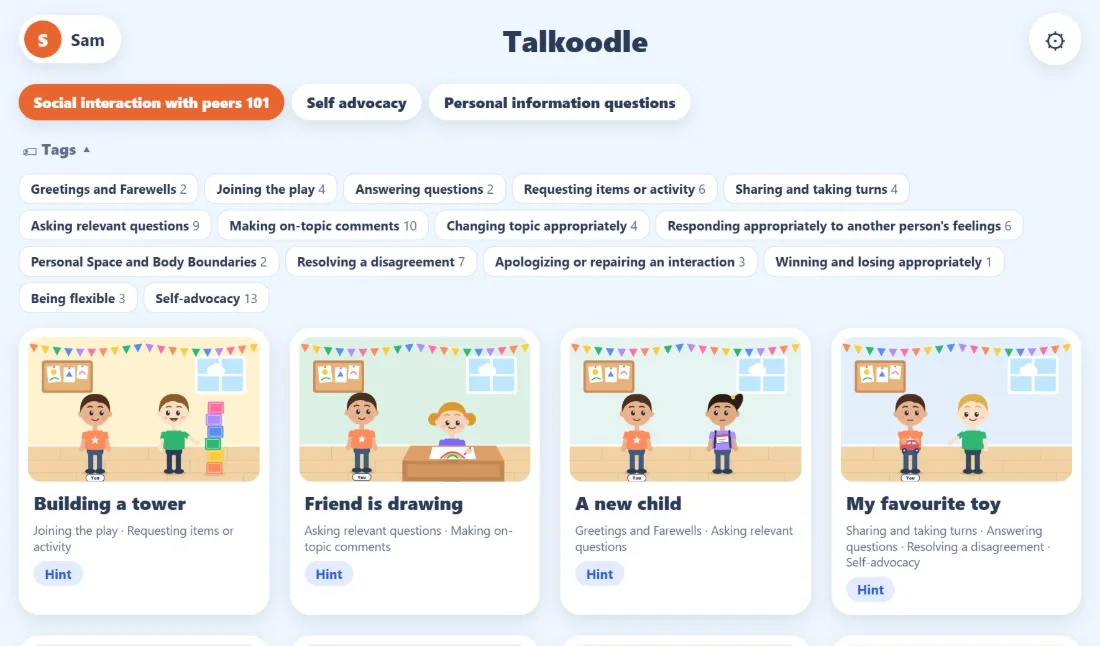
66 situations in three groups. The example answers are a starting point: you accept any answer that fits.
Talkoodle uses teaching strategies you already know: a model of the answer, prompting from most to least help, prompt fading and wait time.
These are practice notes, not an assessment.
Working in a clinic or school? See plans for professionals ›
You mark each answer with one tap, the way you'd run practice at the table. If you switch on the answer check, the app can mark answers for you, on your device. You can undo its check mark, and the app shows how often it agreed with you.
The app listens during your child's turn, then lets the sound go. Your child's voice is never stored and never sent anywhere.
Sign in once while online, and it keeps working in airplane mode: at the kitchen table, in the car, or in a clinic with weak Wi-Fi.
Each situation starts with a hint in the picture. When your child answers on their own a few times in a row, the hint goes away. If they need help again, it comes back. You can also give a prompt at any time: the whole answer said out loud, just the first part, or the words written.
Accounts are for adults. Your account keeps everything about your children's practice, so nothing is lost with a device. Photos stay on your device.
It's kept in a database in Canada, so you can use more than one device and get everything back if a device is lost. Talkoodle's owner can see it, to run Talkoodle and to help you. Your account is deleted 2 years after it was last used, or whenever you ask.
Check it yourself. Sign in once while online. Then turn on airplane mode and do a whole session. It keeps working, because practice doesn't need the internet.
Where Talkoodle uses AI: the optional answer check runs AI models for speech and meaning on your device, and the optional Claude check uses Anthropic's Claude. Both are off unless you switch them on.
No ads. No tracking.
Talkoodle is free while we test it. Ask for the plan you'd like in the app, under Settings → Account, and we'll switch it on at no charge. These are the founding prices in Canadian dollars, before tax, for when payment starts. We're not taking payment yet.
Trying it with one child
No cost
Nothing to pay, ever.
The plan most families pick
CA$79 a year
or CA$11.99 a month. 14 days free, no card.
Are you a therapist, teacher or clinic? See plans for professionals ›
For a therapist, teacher, clinic, agency or school. Each child's family can practise at home for free.
For one professional or a whole clinic
CA$4 per child a month
No minimum. Pay only for the children in your account.
Clinics, agencies and schools use the same plan, with one main account that invites its staff. Write to [email protected] and we'll help you set it up.
We're testing Talkoodle with a small group of families and clinicians. Make an account to use it with your child or your clients, tell us what works and what doesn't, and help decide what comes next.
You get: the plan that suits you, free during early access, and a say in new situations and features.
We ask: tell us how it goes, by email, or in a short call if you'd like.
You sign in with your email and a password, and we email you a code to confirm it's yours. We'll only email you about your account and early access.
No. Talkoodle is a practice tool for building skills at home, in clinics and in classrooms. It doesn't diagnose, assess or treat anything, and it doesn't replace the people who support your child. It gives your child a place to practise what to say, with you right beside them.
No. You decide what counts as a good answer for your child: words, a close try, a sign or gesture, an AAC device, or pointing. After each answer you can note how your child answered, and it shows up in the summary.
You do. Your buttons are on the screen the whole time. If you'd like help, switch on App checks answers in Settings. AI models running on your device turn your child's answer into words and check them against the situation. A match gets a check mark you can undo, and anything else gets “Try again”. The app also tells you how often it agreed with you. The answer check is off unless you switch it on.
The app listens during your child's turn, but it never keeps or sends a recording. Progress, practice history, your notes and personal information answers are saved on your device and in your account, in Canada, so they're on every device you sign in on. Photos stay on the device.
Tip for iPhone and iPad: Safari can clear a website's saved data if you don't open it for a while. Everything in your account comes back when you sign in. Only photos don't, so you'd add those again.
Talkoodle runs in the web browser on iPhones, iPads, Android phones and tablets, and computers, held upright or sideways. It uses the microphone to listen. Apps for the App Store and Google Play are on the way. Coming soon
Yes. Sign in once while online, and after that a whole session works in airplane mode. If you switch on the answer check, it downloads about 95 MB the first time. Only the optional extras need the internet. Offline, the Claude check can't help, so the app marks only the answers it's sure of and leaves the rest to you. Practice done offline is saved to your account the next time you're online, and shared practice is sent then too.
English for now. Talkoodle is built so other languages can be added. Tell us which language your family needs: [email protected].
We don't know yet, so we won't promise it. BC's Autism Funding program (until March 31, 2027) and the new Children and Youth Disability Benefit (from April 1, 2027) both mention educational or skill-building apps, but neither has confirmed that Talkoodle qualifies. We plan to ask them to confirm in writing, and we'll post the answer here. Until then, please check with your program before you buy. Each program has its own rules and limits. When payment starts, our receipts will show the date, the seller, the amount with tax, and that you've paid, which is what Autism Funding asks for. Talkoodle isn't approved or endorsed by the Government of British Columbia.
Talkoodle is still being tested, so things may change as we learn. During early access the app is free, and we don't take payment. The prices on this page are planned. Before any payment starts, we'll tell you the final price, and you'll choose whether to continue.
You pay CA$4 a month for each child in your account, on one bill for all of them. A child you add partway through the month is charged for the days left, on your next bill. If you stop paying for a child, this month stays paid. From the next bill, the child is hidden and locked, but their history is kept, and you can pay for them again at any time. If the child is linked with their family, the family keeps free home practice for 30 more days. A child you stop and a new one you add in the same month both count for that month. Your staff and each family's home practice cost nothing extra. You can cancel at any time. If the plan ends, only your first child stays open, and the rest come back when you pay again.
On the Professional plan, you make a one-time code for a child in Talkoodle and give it to their parent yourself. The parent signs in to their own account, enters the code and says yes. Then the child practises at home with everything in the Family plan, for free, and you can see their home practice: which situations, how much help and the results. Each child is paid for only once. Either of you can end the link, and the family keeps the free home practice for 30 more days. Any family can also make a free account on their own, and the summary has a note written for parents that you can copy and send.